
タイトル : 画像を動かす - Swift Playgroundの勉強 2026
更新日 : 2026-03-17
カテゴリ : プログラミング
タグ :
ソース 抜粋のみ
-
UIImageViewを作ってそれを画面に表示させる
-
UIImageViewに画像を載せる
UIViewだと属性imageが使えないけど、UIImageView.imageで画像指定
class ViewController: UIViewController {

    var screenWidth: CGFloat = 0
    var screenHeight: CGFloat = 0

    // 四角のサイズ
    var figSize: CGFloat = 80.0

    override func viewDidLoad() {
        super.viewDidLoad()

        //画面のサイズ
        screenWidth = self.view.bounds.width
        screenHeight = self.view.bounds.height - figSize

        //画像表示作成
        let rect = UIImageView(frame: CGRect(x: screenWidth/2, y: screenHeight/2, width: figSize, height: figSize))
        rect.image = UIImage(named: "cat-iconbu")
        self.view.addSubview(rect)

        // タイマーで画像を動かす
        Timer.scheduledTimer(withTimeInterval: 0.1, repeats: true, block: {
            timer in
            self.move(figure: rect)
        })

    }

    func move(figure: UIView) {
        figure.center.x = figure.center.x + 1
    }
アプリ
猫さんの画像が動きます。
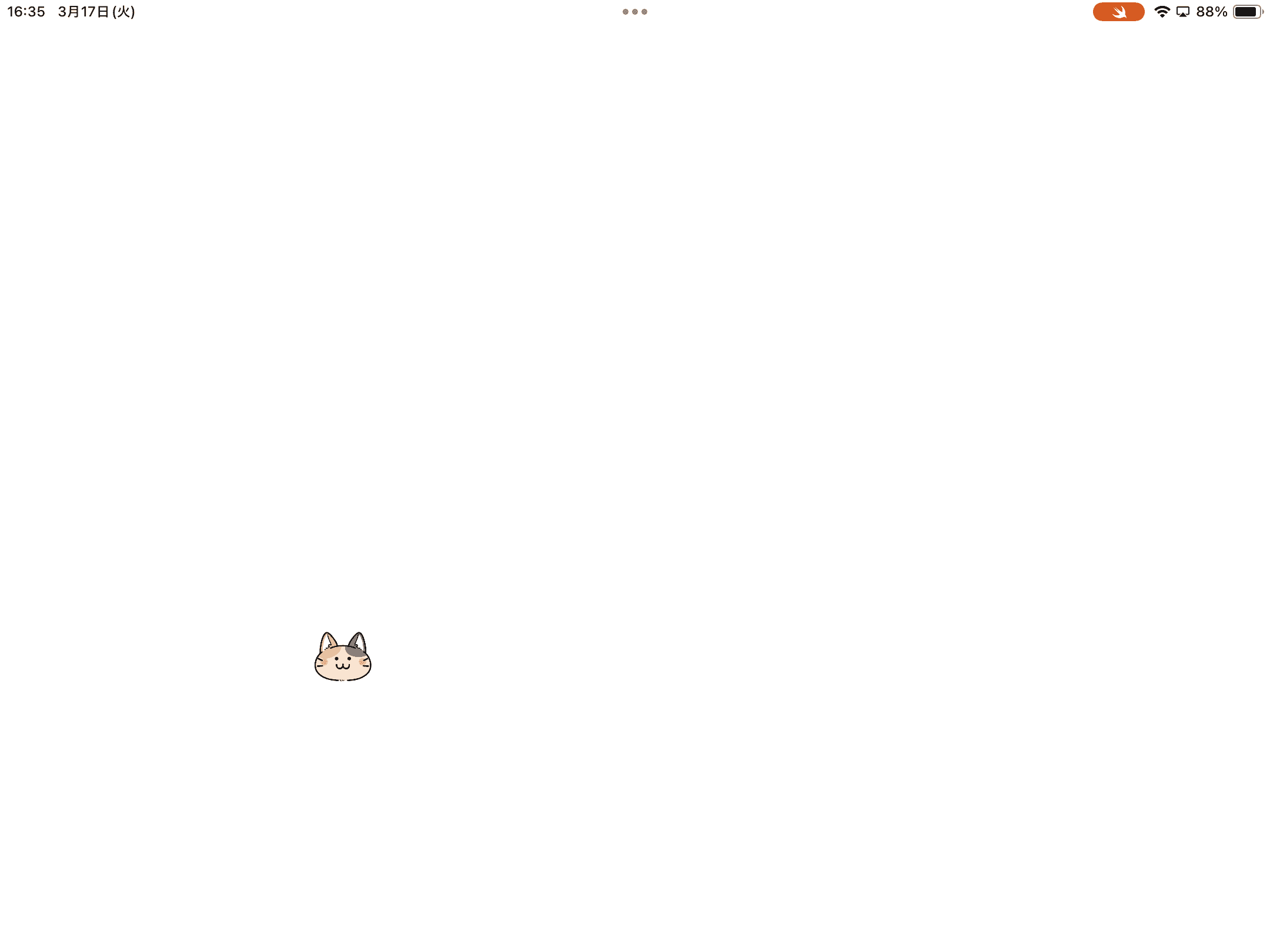
上記の表示では、猫の画像は フリーペンシル さんのを使っています。